Y2Notion
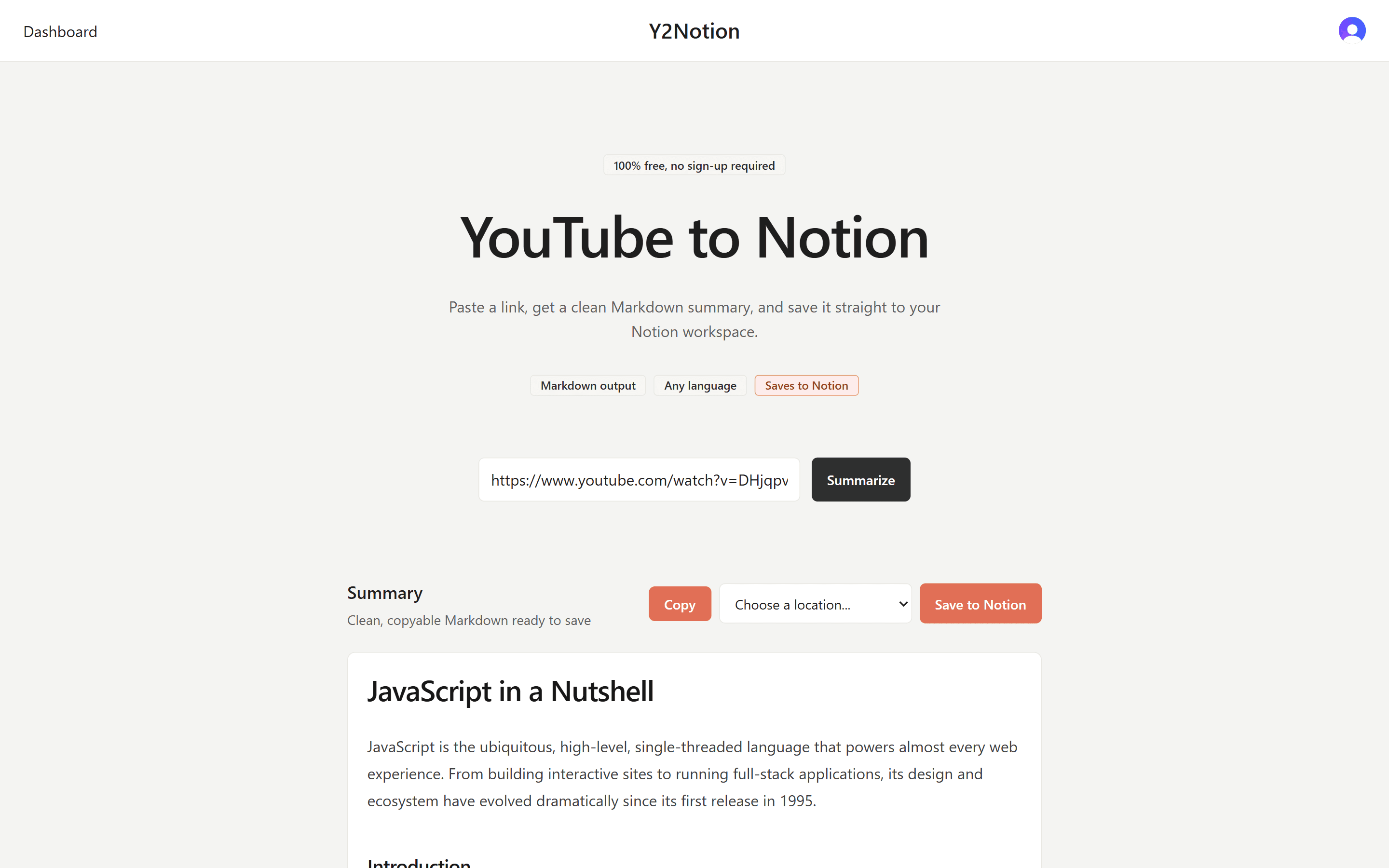
Converts YouTube videos into structured Markdown summaries using AI, with one-click save to Notion.

Problem
I use YouTube a lot and sometimes come across useful information I want to save for later. My usual workflow was copying the transcript, pasting it into AI for a summary, and then saving it to Notion, but after doing this many times, I decided to build a tool that automates all three steps.
Approach
I started with a documentation-first approach, writing out the core features and a step-by-step implementation plan before touching any code. The two features I identified were the YouTube-to-Markdown converter and the save-to-Notion integration.
For the stack, I went with Next.js because it combines frontend and backend in one framework, and Groq for AI summarization because it doesn't require a paid subscription.
To stay focused during each session, I tracked tasks in a simple TODO.md file, picking 2-4 tasks per session and moving them to Done when finished.
Challenge
For retrieving transcripts, I originally used youtube-transcript-plus, but after deploying to production I started getting errors: YouTube only allows requests from browsers, not servers. I switched to Supadata, which handled server-side requests without any issues.
Result
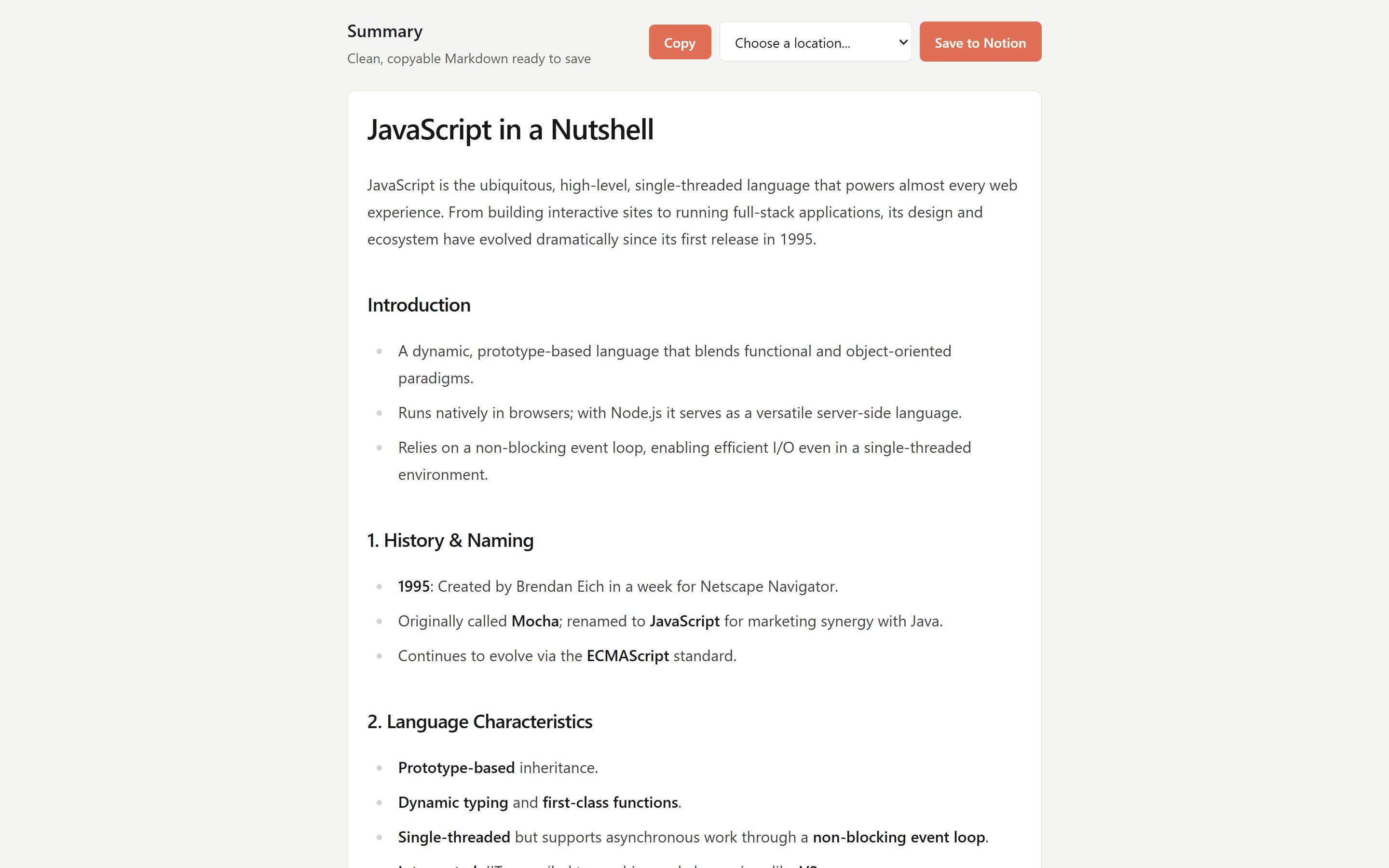
By pasting a URL, Y2Notion generates a concise Markdown summary with the option to save it directly to Notion. It does exactly what I envisioned, and I use it myself every time I need a video summarized.